Dow, Notan Apple Design in 3 Values
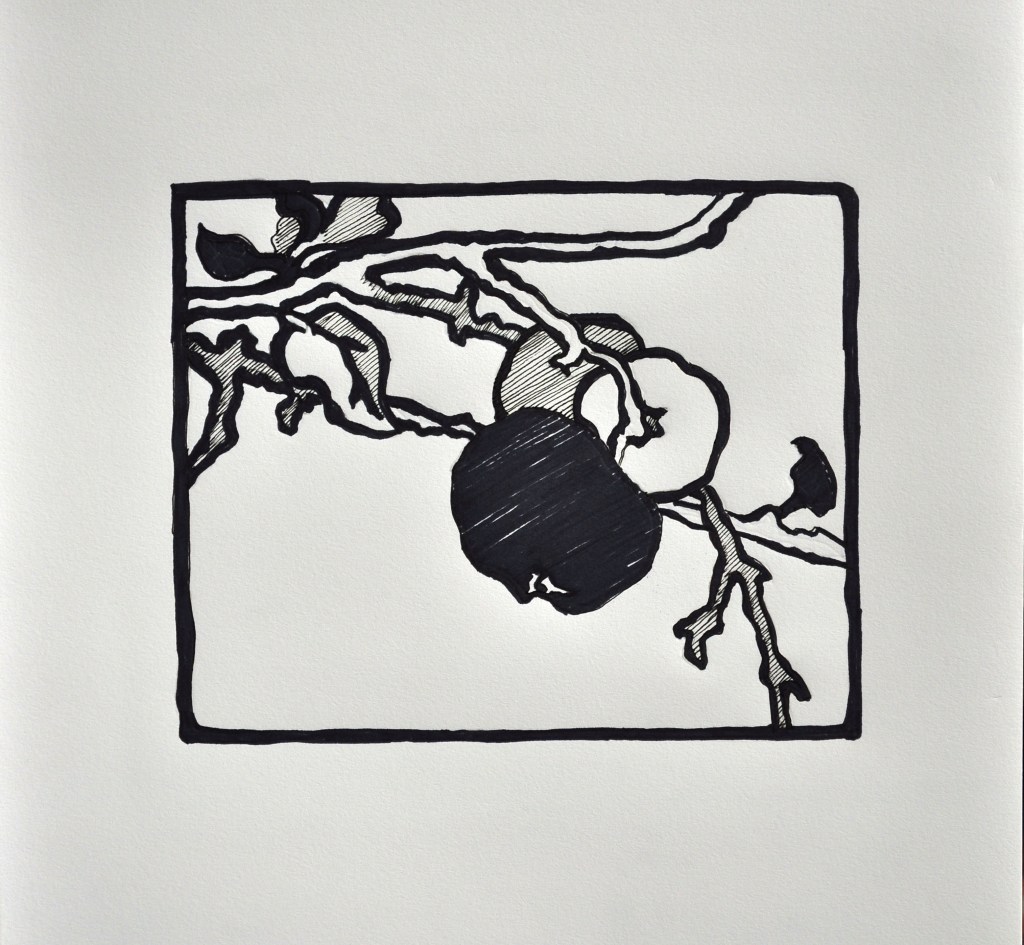
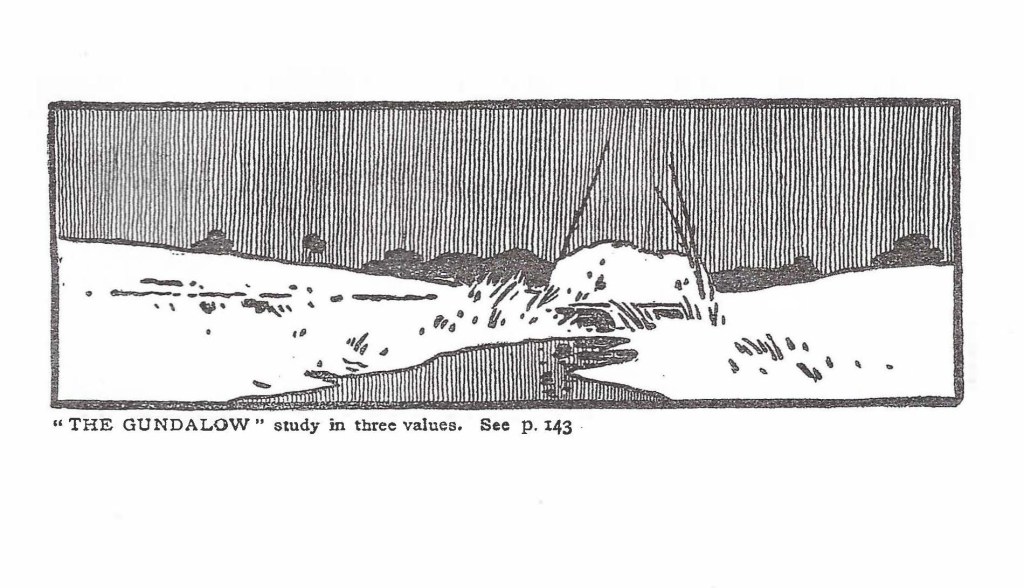
In Drawing I we studied Notan Design based on 2 values- Black and White. We are continuing this idea in our warm-up exercise. In Drawing II we are going to incorporate a third value. This third value will be rendered by using a series of parallel diagonal lines, that when seen at a distance creates a middle value between the extremes of black and white. We will study Arthur Wesley Dow’s Apple Design. We will render this design in 3 values.
Dow, Notan Apple Design in 3 Values
Materials:
- 11 x 14 drawing pad from Drawing I (I think the Drawing I pad will work the best, but you may use the Multi-media pad)
- 2B pencil
- Gum Eraser (little brown one)
- Microns (.05 is best for 3rd value)
- Black sharpie (wider point black marker, any kind you have)
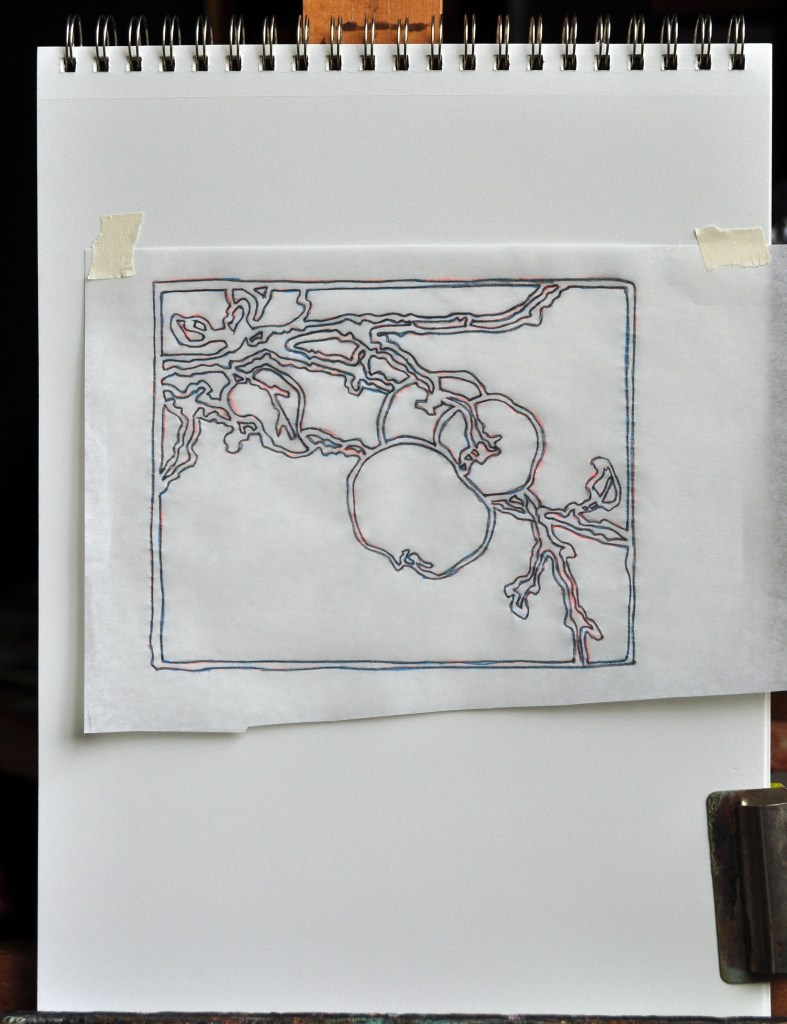
- Tracing paper or a window to use as a light board to transfer the apple image to your pad
- PDF of the Dow Apple Design. Please orient this carefully and make sure it is not upside down.
Assignment:
- Transfer the Dow Apple Design to your 11 x 14 pad. Do this in pencil. You can use tracing paper, or a light board, or a window to transfer the design.
- This design should appear lightly in pencil.
- Next indicate where the 3 values will be. The Black areas vs. the white of the paper. Consider putting the 3rd value in between some of these extremes. The third value could also go on one of the apples or part of the branch. Be creative and make a solid design with the 3 values.
- Important** There must be an outside border to the composition. Secondly, if you wish to separate 2 darks you need a white outline between them. If you have 2 whites that you wish to separate, you will need a black border between them.
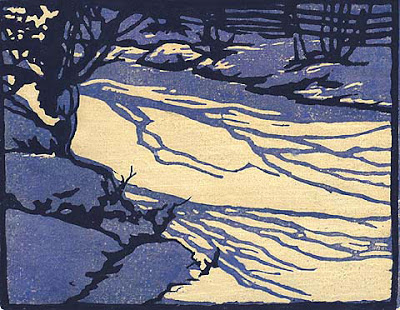
- Reflect on what you learned from the Dow Landscape exercise in Drawing I.
Upload photo to the assignment section.
Due: M/W Monday, Feb. 8 before 11:59 AM.
T/TH Tuesday, Feb. 9 before 11:59 AM.
Secondly, Please watch the video/questions, “Notan Studies: 2 Values”. Due: M/W Wednesday, Feb. 3 before 11:59 AM. T/TH Thursday, Feb. 4 before 11:59 AM.
Dow Apple Design, PDF
Directions: Download PDF File, then Print using “Landscape Orientation” setting on your printer. This is the image that you will trace.
 Drawing Class